Running Jaeger
Source URL: https://docs.bullmq.io/guide/telemetry/running-jaeger
Running Jaeger
Section titled “Running Jaeger”The easiest way to run Jaeger is by using Docker compose. If you have docker installed, it is a matter of running this docker-compose.yaml file:
services: jaeger: image: jaegertracing/all-in-one:latest container_name: BullMQ_with_opentelemetry_jaeger ports: - '4318:4318' - '16686:16686'Note that we need to expose 2 ports here, the first (4318) one is the endpoint to export our traces and the second one (16686) is our UI.
You can now just run this service with:
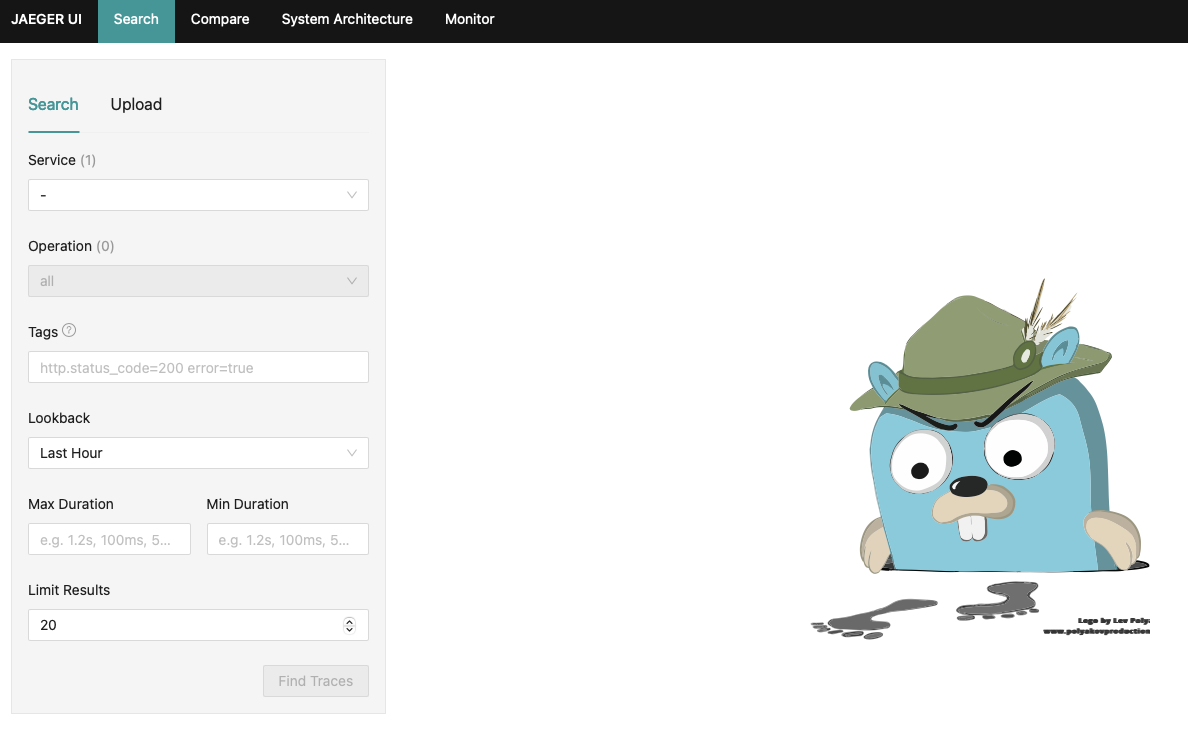
docker-compose upIn a few seconds the image will be up and running. You can verify that is working by opening a browser window and pointing it to http://localhost:16686
As no traces has been created yet you will get a quite empty dashboard: