Emulation
Source URL: https://playwright.dev/docs/emulation
Emulation | Playwright
Section titled “Emulation | Playwright”Introduction
Section titled “Introduction”With Playwright you can test your app on any browser as well as emulate a real device such as a mobile phone or tablet. Simply configure the devices you would like to emulate and Playwright will simulate the browser behavior such as "userAgent", "screenSize", "viewport" and if it "hasTouch" enabled. You can also emulate the "geolocation", "locale" and "timezone" for all tests or for a specific test as well as set the "permissions" to show notifications or change the "colorScheme".
Devices
Section titled “Devices”Playwright comes with a registry of device parameters using playwright.devices for selected desktop, tablet and mobile devices. It can be used to simulate browser behavior for a specific device such as user agent, screen size, viewport and if it has touch enabled. All tests will run with the specified device parameters.
- Test
- Library
playwright.config.ts
    import { defineConfig, devices } from '@playwright/test'; // import devices
    export default defineConfig({      projects: [        {          name: 'chromium',          use: {            ...devices['Desktop Chrome'],          },        },        {          name: 'Mobile Safari',          use: {            ...devices['iPhone 13'],          },        },      ],    });
const { chromium, devices } = require('playwright'); const browser = await chromium.launch();
const iphone13 = devices['iPhone 13']; const context = await browser.newContext({ ...iphone13, });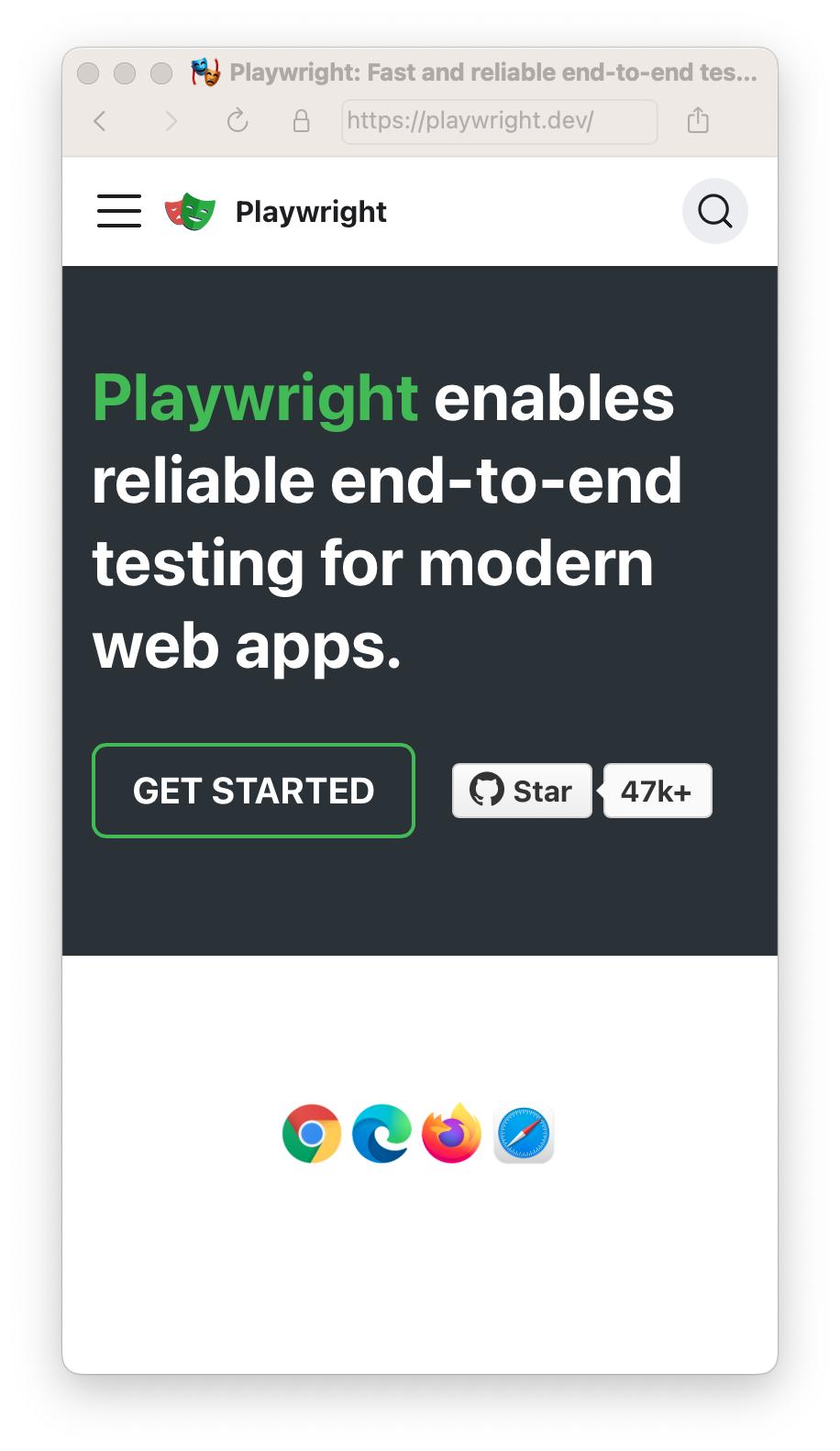
Viewport
Section titled “Viewport”The viewport is included in the device but you can override it for some tests with page.setViewportSize().
- Test
- Library
playwright.config.ts
    import { defineConfig, devices } from '@playwright/test';
    export default defineConfig({      projects: [        {          name: 'chromium',          use: {            ...devices['Desktop Chrome'],            // It is important to define the `viewport` property after destructuring `devices`,            // since devices also define the `viewport` for that device.            viewport: { width: 1280, height: 720 },          },        },      ]    });
// Create context with given viewport const context = await browser.newContext({ viewport: { width: 1280, height: 1024 } });Test file:
- Test
- Library
tests/example.spec.ts
    import { test, expect } from '@playwright/test';
    test.use({      viewport: { width: 1600, height: 1200 },    });
    test('my test', async ({ page }) => {      // ...    });
// Create context with given viewport const context = await browser.newContext({ viewport: { width: 1280, height: 1024 } });
// Resize viewport for individual page await page.setViewportSize({ width: 1600, height: 1200 });
// Emulate high-DPI const context = await browser.newContext({ viewport: { width: 2560, height: 1440 }, deviceScaleFactor: 2, });The same works inside a test file.
- Test
- Library
tests/example.spec.ts
    import { test, expect } from '@playwright/test';
    test.describe('specific viewport block', () => {      test.use({ viewport: { width: 1600, height: 1200 } });
      test('my test', async ({ page }) => {        // ...      });    });
// Create context with given viewport const context = await browser.newContext({ viewport: { width: 1600, height: 1200 } }); const page = await context.newPage();isMobile
Section titled “isMobile”Whether the meta viewport tag is taken into account and touch events are enabled.
playwright.config.ts
    import { defineConfig, devices } from '@playwright/test';
    export default defineConfig({      projects: [        {          name: 'chromium',          use: {            ...devices['Desktop Chrome'],            // It is important to define the `isMobile` property after destructuring `devices`,            // since devices also define the `isMobile` for that device.            isMobile: false,          },        },      ]    });
Locale & Timezone
Section titled “Locale & Timezone”Emulate the browser Locale and Timezone which can be set globally for all tests in the config and then overridden for particular tests.
playwright.config.ts
    import { defineConfig } from '@playwright/test';
    export default defineConfig({      use: {        // Emulates the browser locale.        locale: 'en-GB',
// Emulates the browser timezone. timezoneId: 'Europe/Paris', }, });- Test
- Library
tests/example.spec.ts
    import { test, expect } from '@playwright/test';
    test.use({      locale: 'de-DE',      timezoneId: 'Europe/Berlin',    });
    test('my test for de lang in Berlin timezone', async ({ page }) => {      await page.goto('https://www.bing.com');      // ...    });
const context = await browser.newContext({ locale: 'de-DE', timezoneId: 'Europe/Berlin', });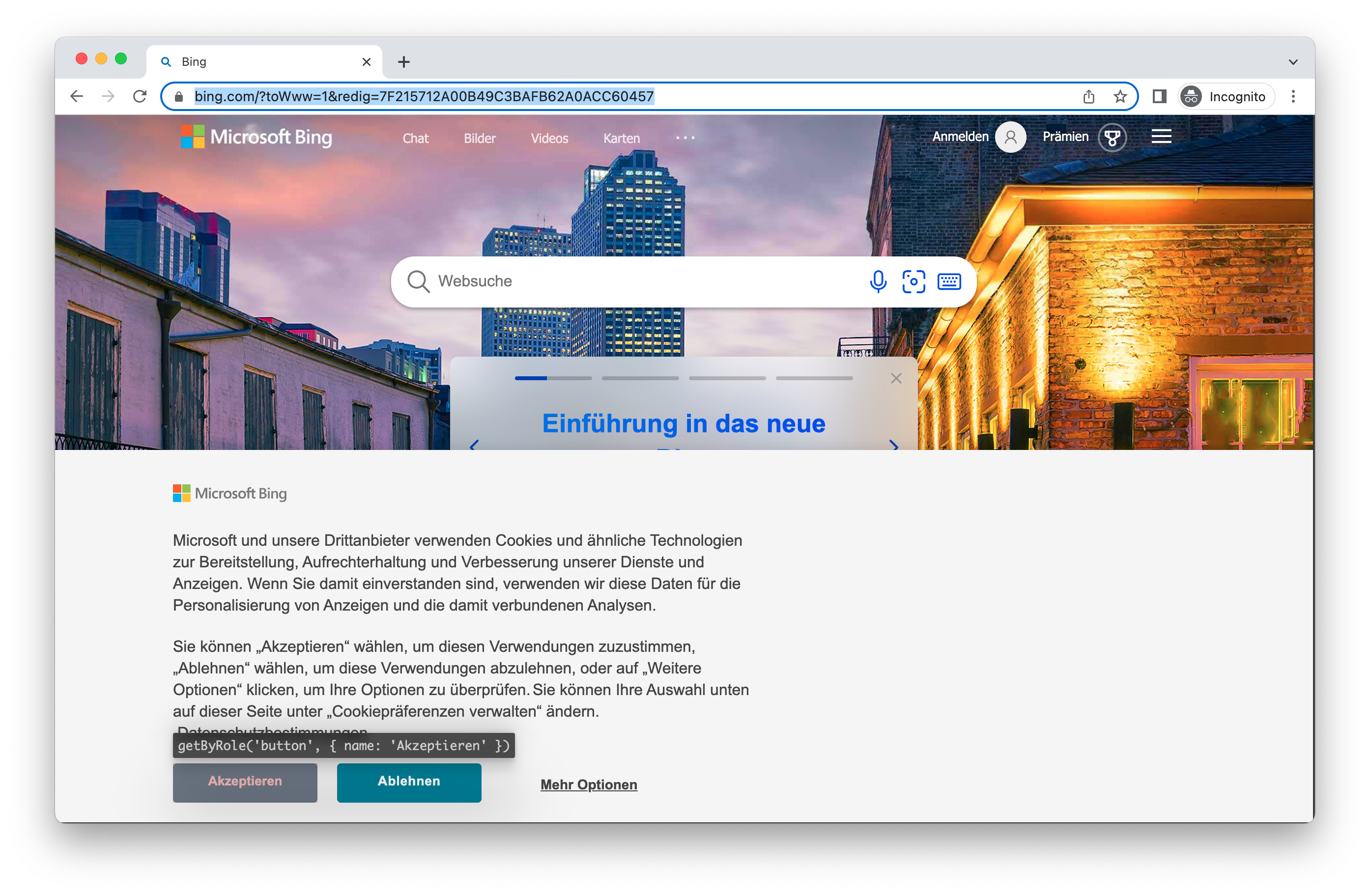
Note that this only affects the browser timezone and locale, not the test runner timezone. To set the test runner timezone, you can use the TZ environment variable.
Permissions
Section titled “Permissions”Allow app to show system notifications.
- Test
- Library
playwright.config.ts
    import { defineConfig } from '@playwright/test';
    export default defineConfig({      use: {        // Grants specified permissions to the browser context.        permissions: ['notifications'],      },    });
const context = await browser.newContext({ permissions: ['notifications'], });Allow notifications for a specific domain.
- Test
- Library
tests/example.spec.ts
    import { test } from '@playwright/test';
    test.beforeEach(async ({ context }) => {      // Runs before each test and signs in each page.      await context.grantPermissions(['notifications'], { origin: 'https://skype.com' });    });
    test('first', async ({ page }) => {      // page has notifications permission for https://skype.com.    });
await context.grantPermissions(['notifications'], { origin: 'https://skype.com' });Revoke all permissions with browserContext.clearPermissions().
// Library await context.clearPermissions();Geolocation
Section titled “Geolocation”Grant "geolocation" permissions and set geolocation to a specific area.
playwright.config.ts
    import { defineConfig } from '@playwright/test';
export default defineConfig({ use: { // Context geolocation geolocation: { longitude: 12.492507, latitude: 41.889938 }, permissions: ['geolocation'], }, });- Test
- Library
tests/example.spec.ts
    import { test, expect } from '@playwright/test';
    test.use({      geolocation: { longitude: 41.890221, latitude: 12.492348 },      permissions: ['geolocation'],    });
    test('my test with geolocation', async ({ page }) => {      // ...    });
const context = await browser.newContext({ geolocation: { longitude: 41.890221, latitude: 12.492348 }, permissions: ['geolocation'] });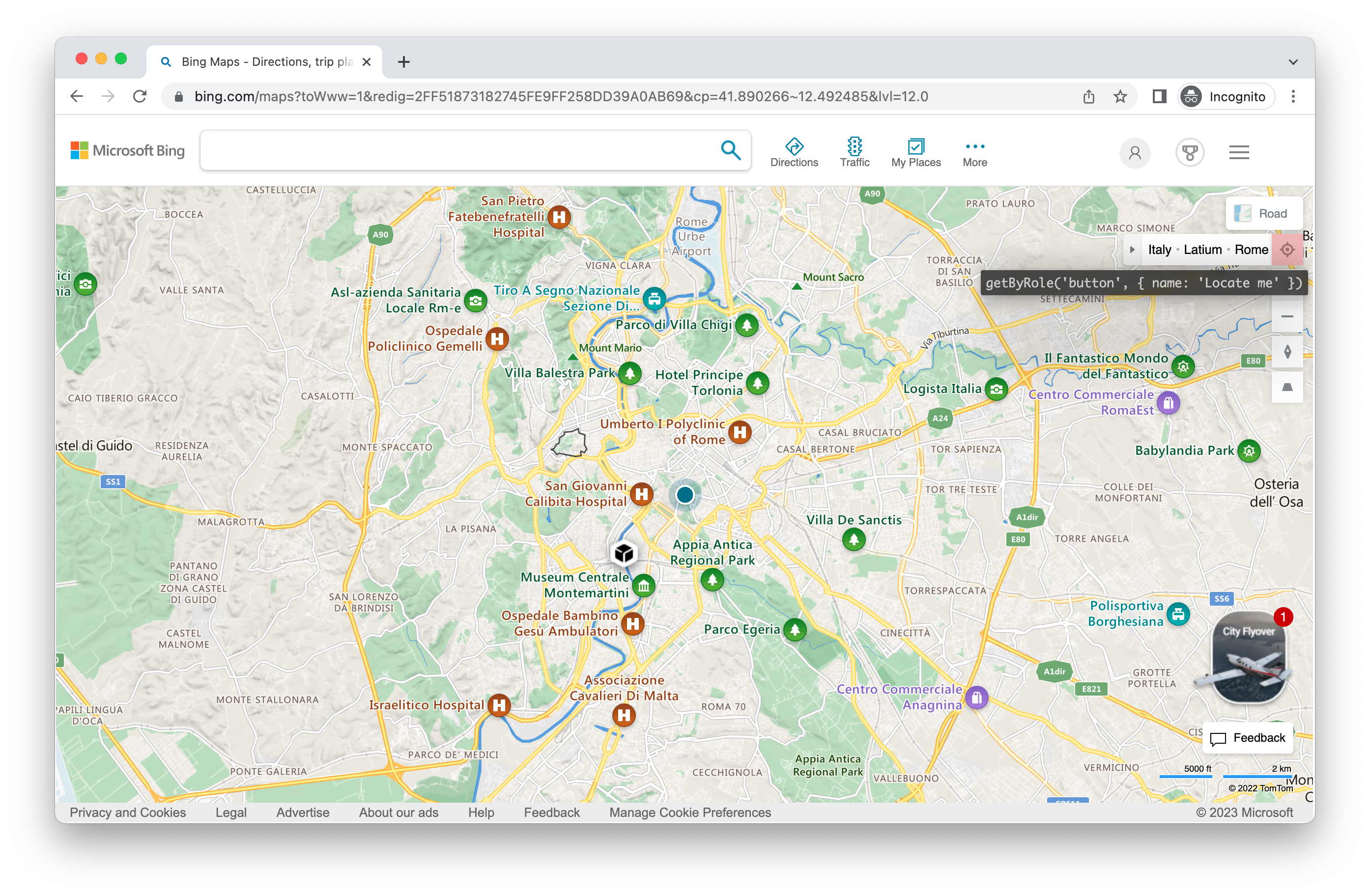
Change the location later:
- Test
- Library
tests/example.spec.ts
    import { test, expect } from '@playwright/test';
    test.use({      geolocation: { longitude: 41.890221, latitude: 12.492348 },      permissions: ['geolocation'],    });
    test('my test with geolocation', async ({ page, context }) => {      // overwrite the location for this test      await context.setGeolocation({ longitude: 48.858455, latitude: 2.294474 });    });
await context.setGeolocation({ longitude: 48.858455, latitude: 2.294474 });Note you can only change geolocation for all pages in the context.
Color Scheme and Media
Section titled “Color Scheme and Media”Emulate the users "colorScheme". Supported values are ‘light’ and ‘dark’. You can also emulate the media type with page.emulateMedia().
playwright.config.ts
    import { defineConfig } from '@playwright/test';
export default defineConfig({ use: { colorScheme: 'dark', }, });- Test
- Library
tests/example.spec.ts
    import { test, expect } from '@playwright/test';
    test.use({      colorScheme: 'dark' // or 'light'    });
    test('my test with dark mode', async ({ page }) => {      // ...    });
// Create context with dark mode const context = await browser.newContext({ colorScheme: 'dark' // or 'light' });
// Create page with dark mode const page = await browser.newPage({ colorScheme: 'dark' // or 'light' });
// Change color scheme for the page await page.emulateMedia({ colorScheme: 'dark' });
// Change media for page await page.emulateMedia({ media: 'print' });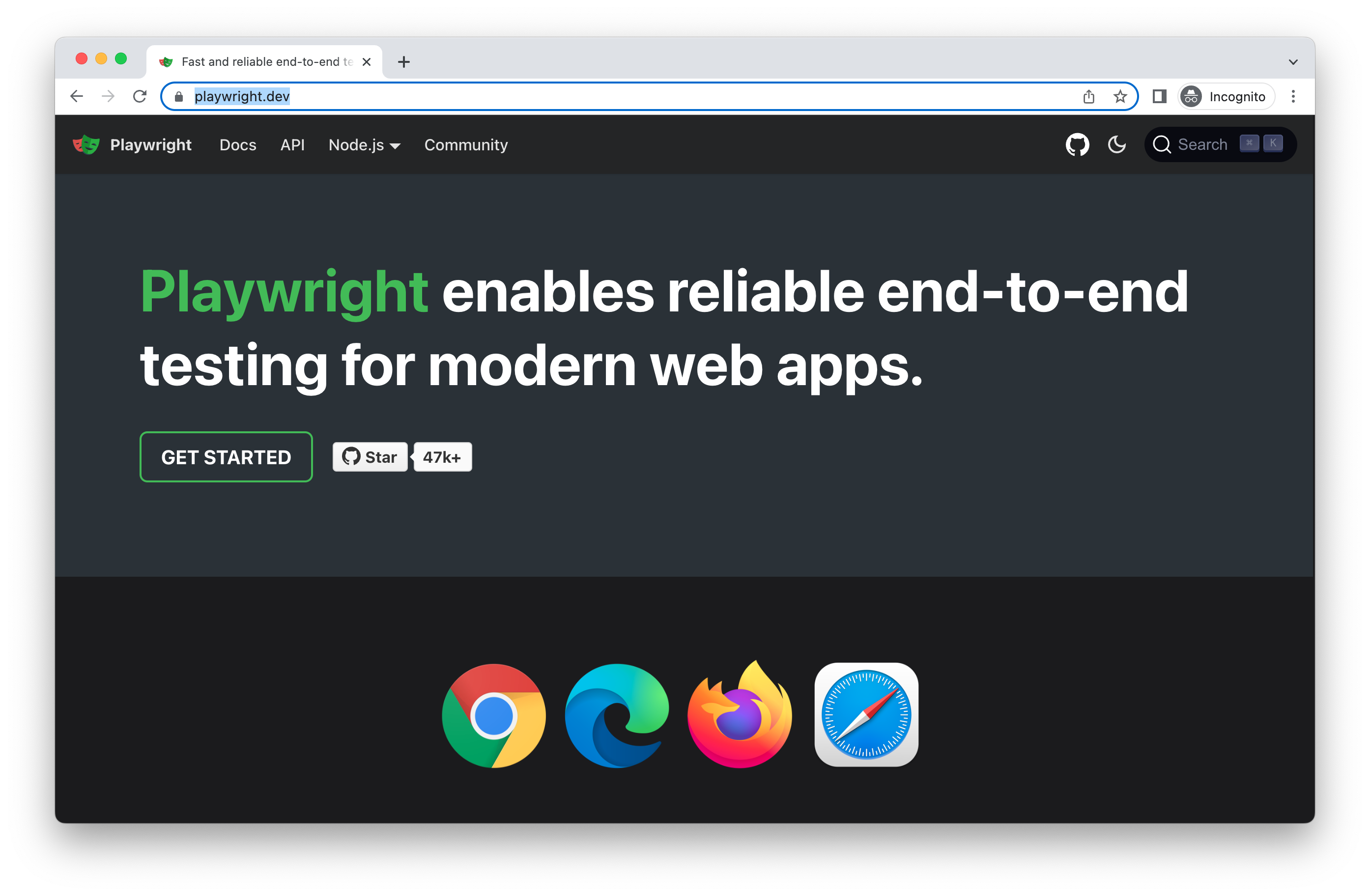
User Agent
Section titled “User Agent”The User Agent is included in the device and therefore you will rarely need to change it however if you do need to test a different user agent you can override it with the userAgent property.
- Test
- Library
tests/example.spec.ts
    import { test, expect } from '@playwright/test';
    test.use({ userAgent: 'My user agent' });
    test('my user agent test', async ({ page }) => {      // ...    });
const context = await browser.newContext({ userAgent: 'My user agent' });Offline
Section titled “Offline”Emulate the network being offline.
playwright.config.ts
    import { defineConfig } from '@playwright/test';
    export default defineConfig({      use: {        offline: true      },    });
JavaScript Enabled
Section titled “JavaScript Enabled”Emulate a user scenario where JavaScript is disabled.
- Test
- Library
tests/example.spec.ts
    import { test, expect } from '@playwright/test';
    test.use({ javaScriptEnabled: false });
    test('test with no JavaScript', async ({ page }) => {      // ...    });
const context = await browser.newContext({ javaScriptEnabled: false });